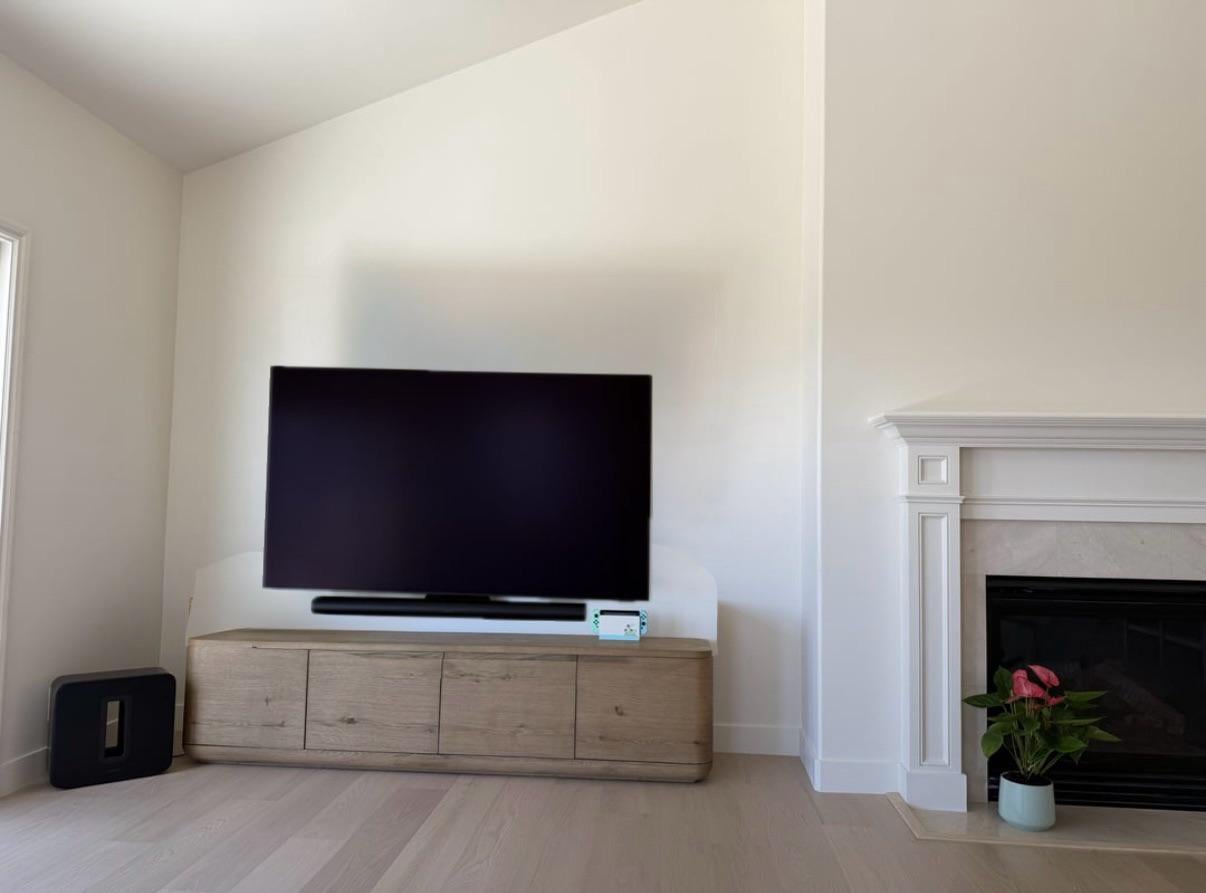
Are you worried about your TV tipping over or feeling unstable on your stand? Securing your TV properly is not just about safety—it also gives you peace of mind and protects your valuable screen from damage.
In this guide, you’ll learn simple, effective ways to fasten your TV to its stand so it stays firmly in place. Whether you have kids, pets, or just want to keep your setup neat and secure, these easy steps will help you protect your TV and your home.
Keep reading to find out how you can secure your TV quickly and confidently.

Credit: fitueyes.com
Choose The Right Tv Stand
Choosing the right TV stand is important for safety and style. A good stand keeps your TV stable and secure.
Consider size, weight, and material before you buy. This helps prevent accidents and damage.
Check Weight Capacity
Check the TV stand’s weight limit before buying. Your TV should weigh less than this limit.
Using a stand that can hold your TV’s weight keeps it from tipping over or breaking.
- Find the TV’s weight in the manual or online.
- Look for the stand’s maximum weight capacity.
- Choose a stand with a higher weight limit than your TV.
Match Stand Size To Tv
Pick a stand that fits your TV’s size. The stand should be wide enough to hold the TV base.
A stand too small can cause the TV to fall. A stand too big may look awkward in your room.
- Measure your TV’s width before buying a stand.
- Choose a stand that is at least as wide as your TV.
- Ensure the stand’s top surface supports the TV base fully.
Consider Material And Stability
Look for sturdy materials like wood, metal, or thick glass. These materials give strong support.
A stable stand lowers the risk of your TV falling. Check that the stand does not wobble.
- Wood stands are durable and classic.
- Metal stands offer strong support and modern looks.
- Glass stands need thick, tempered glass for safety.
- Test the stand on a flat surface for wobbling.

Credit: fitueyes.com
Prepare The Tv And Stand
Securing your TV to the stand is important for safety and stability. Proper preparation helps avoid accidents and damage.
Before attaching the TV, take time to prepare both the TV and the stand. This makes the process easier and safer.
Clear The Setup Area
Remove any items around the TV stand to create a clean workspace. This prevents tripping and damage to the TV or furniture.
Make sure the floor is dry and clear. Check for any cords or objects that could cause problems during setup.
Gather Necessary Tools
Collect all tools you will need before starting. Having tools ready saves time and reduces frustration.
- Screwdriver (usually Phillips head)
- Mounting screws or bolts
- Level to check alignment
- Soft cloth to protect the TV screen
- Manual or instructions for your TV and stand
Inspect Tv And Stand Components
Check the TV and stand for any damage or missing parts. This helps avoid problems during installation.
Look at the mounting holes on the TV and the matching parts on the stand. Make sure everything fits well.
- Check screws and bolts for tightness
- Ensure the stand is stable and level
- Verify the weight limit of the stand matches your TV
- Confirm the mounting brackets are secure
Attach Mounting Brackets
Attaching mounting brackets is an important step to secure your TV to the stand. The brackets hold the TV firmly and keep it stable.
Follow simple steps to attach the brackets correctly. This ensures your TV stays safe and does not fall.
Locate Mounting Holes On Tv
Look at the back of your TV to find the mounting holes. These holes are where you will attach the brackets.
Most TVs have four holes in a square or rectangular pattern. Check your TV manual if you cannot find them.
- Turn off and unplug the TV before handling.
- Place the TV face down on a soft surface.
- Look for threaded holes on the back panel.
- Measure the distance between holes to match bracket size.
Select Correct Screws
Choose screws that fit the mounting holes on your TV. Using the wrong screws can damage your TV or make it unsafe.
Check the size and length of screws in your bracket kit or TV manual. Use screws made for TV mounting only.
- Check the screw diameter (usually M4, M6, or M8).
- Pick screws long enough to hold but not too long.
- Use screws with flat heads for a secure fit.
- Do not use homemade or damaged screws.
Secure Brackets Firmly
Attach the mounting brackets to the TV using the correct screws. Tighten the screws firmly but do not over-tighten.
Double-check that the brackets are fixed tightly. Loose brackets can cause the TV to fall or wobble.
- Align the bracket holes with the TV mounting holes.
- Insert screws and tighten them with a screwdriver.
- Do not force screws if they do not fit easily.
- Test bracket stability by gently shaking the TV back.

Credit: www.amazon.ca
Secure Tv To Stand
Securing your TV to the stand keeps it safe from falling. It also protects your TV and your family.
Follow simple steps to make sure your TV stays stable and secure on the stand.
Align Tv With Stand
Place your TV in the center of the stand. Make sure the base of the TV fits the stand properly.
Check the edges of the stand. The TV should not hang over or be unbalanced.
Use Safety Straps Or Screws
Attach safety straps from the TV to the stand or wall. This stops the TV from tipping over.
If your TV stand has screw holes, use screws to fix the TV base to the stand. This adds extra security.
- Use straps rated for your TV's weight
- Follow instructions for screw placement
- Tighten screws and straps firmly
Double-check Stability
After setup, gently shake the TV to test stability. It should not wobble or move easily.
Look under the stand to see if screws or straps are loose. Tighten any loose parts to keep the TV safe.
Additional Safety Measures
Securing your TV to the TV stand is important for safety. Extra steps help prevent accidents.
These measures keep your TV stable and protect your family and pets from harm.
Anchor Stand To Wall
Anchoring your TV stand to the wall stops it from tipping over. Use wall brackets or straps made for this purpose.
Find studs in the wall with a stud finder to secure anchors well. This makes the stand very stable.
Use Anti-tip Straps
Anti-tip straps connect the TV to the stand or wall. They stop the TV from falling forward or sideways.
Attach the straps tightly and check them often. They are a low-cost way to add safety.
- Buy straps made for TVs
- Secure one end to the TV frame
- Attach the other end to the stand or wall
- Tighten straps to remove slack
- Inspect straps every few months
Organize Cables Safely
Loose cables can cause trips or pull the TV down. Keep cables organized and out of the way.
Use cable ties or clips to bundle cables neatly. Run them along walls or behind furniture.
- Group cables with ties or wraps
- Use cable covers on the floor
- Keep cables away from walkways
- Label cables for easy identification
- Check cables for damage regularly
Test And Maintain Setup
Securing your TV to the stand is important for safety. Testing and maintaining the setup helps prevent accidents.
Regular checks keep the TV stable and protect your equipment and family.
Perform Stability Tests
After securing the TV, gently push it from different sides. Make sure it does not wobble or move easily.
Check if the TV stand holds the weight well. If you notice any tilting, tighten the screws or adjust the setup.
- Push the TV forward, backward, and sideways
- Look for any loose parts or movement
- Ensure the base is firmly on the floor
Regularly Inspect Connections
Check all screws and bolts that attach the TV to the stand. Tighten any that feel loose or worn out.
Look at straps, brackets, or mounting hardware for signs of damage. Replace parts that look weak or broken.
- Inspect screws and bolts every few months
- Check safety straps for frays or tears
- Replace any damaged parts right away
Update Safety Equipment
Safety gear like anti-tip straps should be current and strong. Old or worn straps may fail during a fall.
Buy new straps or mounts if the originals are outdated. Using the right equipment keeps the TV secure.
- Check the manufacture date on safety straps
- Replace old straps with new, certified ones
- Follow the TV and stand manual for proper gear
Frequently Asked Questions
How Do I Secure A Tv To A Stand?
To secure a TV to a stand, use a safety strap. Attach one end to the TV and the other to the stand. Ensure the strap is tight and the TV is stable. This prevents tipping and enhances safety, especially in homes with children or pets.
Why Is Securing A Tv Important?
Securing a TV prevents it from tipping over, reducing injury risks. It's especially important in homes with children or pets. A secure TV also prevents accidental damage. By using safety straps or mounting brackets, you ensure a safer environment. Safety should always be a priority.
What Tools Do I Need To Secure A Tv?
You'll need a safety strap or mounting bracket. A screwdriver and measuring tape might be useful. Ensure all tools and components are compatible with your TV and stand. Proper installation enhances stability. Always follow the manufacturer's guidelines for the best results.
Can A Tv Fall Off A Stand?
Yes, TVs can fall if not properly secured. This is dangerous, especially in homes with children or pets. Using safety straps or mounting brackets can prevent falls. Secure installation ensures your TV remains stable. Regularly check the security of your setup for added safety.
Conclusion
Securing your TV to the stand keeps it safe and steady. Use the right tools and follow steps carefully. Check all connections to avoid accidents or damage. Keep children and pets away during installation for safety. A well-secured TV gives peace of mind at home.
Small efforts now prevent big problems later. Enjoy your viewing without worry or risk.